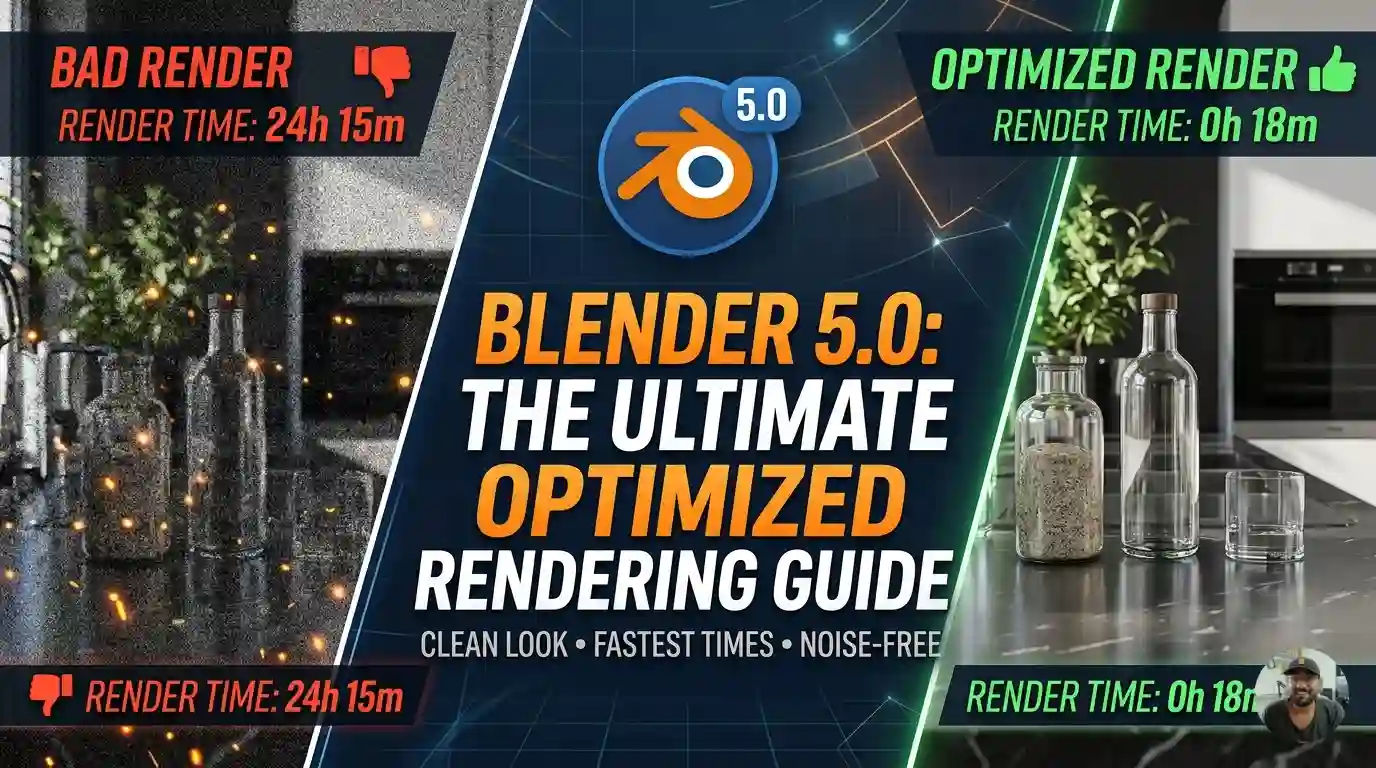
The jump to Blender 5.0 (and the recent 5.1 update) refined how Cycles handles light and volumes. With the native support for ACES(I still not understand how to use it) and the new unbiased volume sampling, you can get a cleaner look with even fewer samples than in the 4.x era.
Here are the professional, optimized settings for a clean 1080p render in Blender 5.0+:(should work for 4K too, but I have 6GB graphic card from 1996 so never tested, my pc will get made😡🤬)
Sampling & Noise Threshold
In 5.0, the Noise Threshold is more efficient. You no longer need thousands of samples for a “clean” look.
- Noise Threshold: 0.01 for general production; 0.007 if you have very fine hair or thin refractive surfaces.
- Max Samples: 512. (In 5.0, the adaptive sampler is so good that 512 is usually plenty for 1080p).
- Min Samples: 32. (Setting a small minimum prevents the denoiser from “guessing” too early on flat surfaces, which avoids blotchiness).
Denoising (The “Secret Sauce”💦)
Blender 5.0 has improved the way OpenImageDenoise (OIDN) handles albedo and normal passes.
- Denoiser: OpenImageDenoise.
- Passes: Albedo + Normal.
- Prefilter: Accurate.
- Note: If you are on an NVIDIA card, use OptiX for the viewport for speed(oh yeah), but stick to OIDN for the final render—it preserves texture detail significantly better in 5.0(definitely gonna do that for final render).
Light Paths (Optimizing Bounces 🤭)
The default “12 bounces” is the biggest “time-killer.” Most light energy is dissipated after 4-6 bounces.
- Total Bounces: 6
- Diffuse: 4
- Glossy: 4
- Transmission (Glass): 8
- Transparency: 8
- Caustics: Turn of Reflective and Refractive if you do working inside water or related..
- Fast GI Approximation: Enabled (This is a lifesaver in 5.0 for interior renders; it cleans up indirect bounce noise instantly, disable if the final result not looking as you expected).
New 5.0 Specific Optimizations🎉
- Multiple Scattering for Sky: If you use the Sky Texture node, ensure it’s set to Multiple Scattering. It’s the new default in 5.0 and is much more accurate for sunrises/sunsets without adding significant render time.
- Volume Sampling: If your scene has volumes, 5.0 uses a new “null scattering” algorithm. Keep Volume Bounces at 0 or 1 unless you’re doing heavy clouds.
- Light Tree: Keep this On. It’s highly optimized in 5.0 for scenes with multiple light sources.
Summary Checklist for 1080p
| Setting | Value |
| Resolution | 1920 x 1080 (100%) |
| Noise Threshold | 0.01 |
| Max Samples | 512 |
| Denoise | OIDN (Albedo + Normal) |
| Persistent Data | ON (In Performance tab — saves time on re-renders) |
| Color Management | AgX or ACES (Avoid “Standard” for a professional look) |
Pro Tip: If you’re still seeing “fireflies” (bright stray pixels), don’t increase samples. Instead, go to Light Paths > Caustics and uncheck Reflective and Refractive Caustics. This usually cleans up 90% of the noise in one click.

Leave a Reply